How to Block Someone on eBay: Buyer, Seller and Returns Guide (2026)
Learn how to block a buyer on eBay, why buyers can't block sellers, what a block really stops and what sellers can and can't do when you return an item.
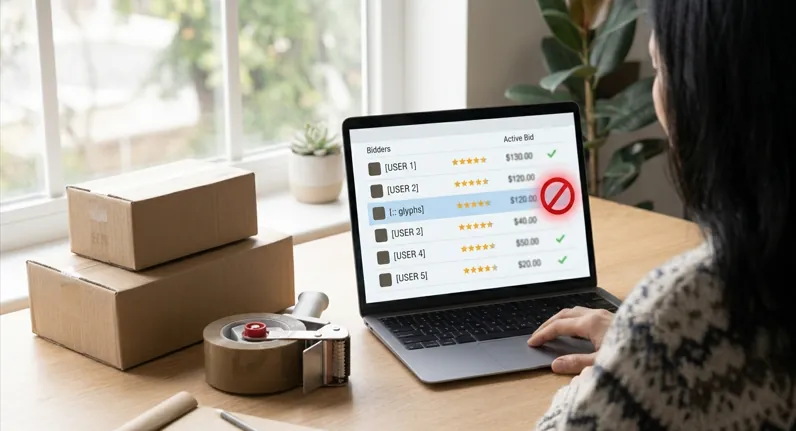
Quick answer: Sellers can block a buyer by adding their username to eBay's blocked buyer list, up to 5,000 names. Buyers can't block sellers on eBay, but can exclude a seller from searches and report abuse. Sellers can only leave positive feedback for buyers, so they can't leave a negative review about a return.
Last checked against eBay's help pages: October 27, 2026. eBay changes features from time to time, so confirm the steps in your own account.
Blocking works very differently on eBay depending on which side you're on. Sellers get a proper tool. Buyers don't, and many people don't realize that until they need it.
This guide covers both sides, plus the question a lot of buyers ask after a return goes badly: why do some sellers react so harshly? If you're still deciding whether the platform is safe for you, start with our guide on whether eBay is trustworthy.
Jump to: Who can block whom · Block a buyer · Block a seller · Returns · FAQ
Key takeaways
- Sellers can block buyers through the blocked buyer list.
- Buyers can't block sellers. There are workarounds, but they're limited.
- Blocking stops bids and purchases. It doesn't stop everything, and it doesn't cancel an open order.
- Sellers can only leave positive feedback for buyers.
- Sellers may deduct from a refund if a returned item comes back used or damaged.
Can You Block a User on eBay?
Short answer: Sellers can block buyers. Buyers can't block sellers directly.
| Who | Can they block? | How |
|---|---|---|
| Seller blocking a buyer | Yes | Blocked buyer list and buyer requirements |
| Buyer blocking a seller | No direct feature | Exclude from searches, adjust notifications, report abuse |
| Either side stopping messages | Limited | Buyer requirements setting (sellers) and reporting |
What does a block actually stop?
| Action | Does a block stop it? |
|---|---|
| Bidding | Yes |
| Buying or Buy It Now | Yes |
| Best offers | Yes |
| Messages | Only if you also turn on the contact-block setting in Buyer requirements |
| Another account used by the same person | No |
How to Block a Buyer on eBay (Seller Guide)
How to add a buyer to your blocked list
- Use a desktop browser. The blocked-buyer tools aren't reliably available in the mobile app.
- Sign in, open Help & Contact and search "block a buyer."
- Click the link to the Block bidders or buyers from your listings page.
- Enter the buyer's username in the box, one per line. You can add up to 5,000.
- Click Submit. The block takes effect right away.
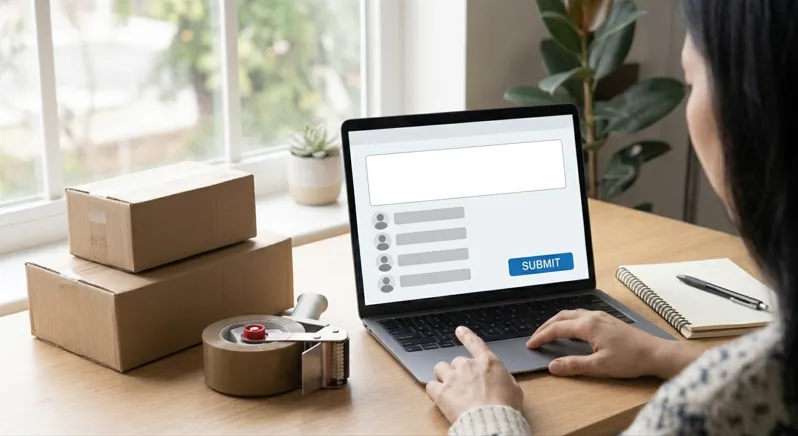
Usernames can be case sensitive, so copy the exact name from the message or order. You'll find it next to each order when you check your sold items on eBay.
How to stop blocked buyers from messaging you
On the Buyer requirements page, look for the option that stops blocked buyers from contacting you. Turn it on if you want messages blocked too. The wording can change, so check your own account.
How to set buyer requirements (automatic blocking)
Instead of blocking one person at a time, set rules that filter buyers. Options usually include:
- Shipping location. Block buyers in countries or regions you don't ship to.
- Unpaid items. Block buyers with a history of unpaid items or canceled orders.
- Feedback score. Block buyers with a very low score.
- Item limits. Limit how many of your items one buyer can win or buy in a short time.
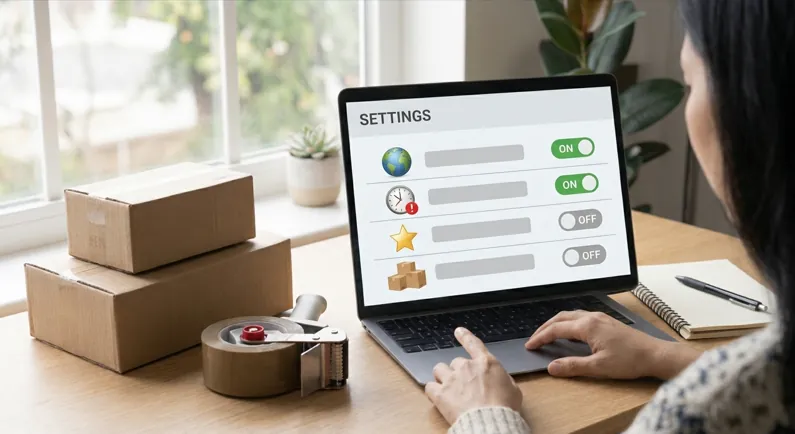
Exact option names change, so check the page. Rules like these stop most problems before they start. If an unwanted buyer has already bid on an auction, here's how to remove a bid on eBay as a seller.
What blocking doesn't do
- It doesn't cancel an existing order or return. Handle open orders through eBay's normal tools.
- It doesn't stop every message unless you turn on the contact-block setting.
- It doesn't stop a new account. If a blocked buyer comes back under a different username, keep evidence and report it to eBay.
How to unblock a buyer
Go back to the same page, delete the username from the box and click Submit. The buyer can buy from you again right away.
How to Block a Seller on eBay (Buyer Guide)
Can buyers block sellers?
No. eBay doesn't give buyers a "block seller" button. This frustrates a lot of people, especially after a bad experience.
Workaround 1: Exclude the seller from your searches
- Open eBay's Advanced Search page.
- Find the Seller section and choose "Only show items from."
- Select Exclude.
- Enter up to 10 seller usernames, separated by commas.
- Search, then save or bookmark the results and use that as your starting point.
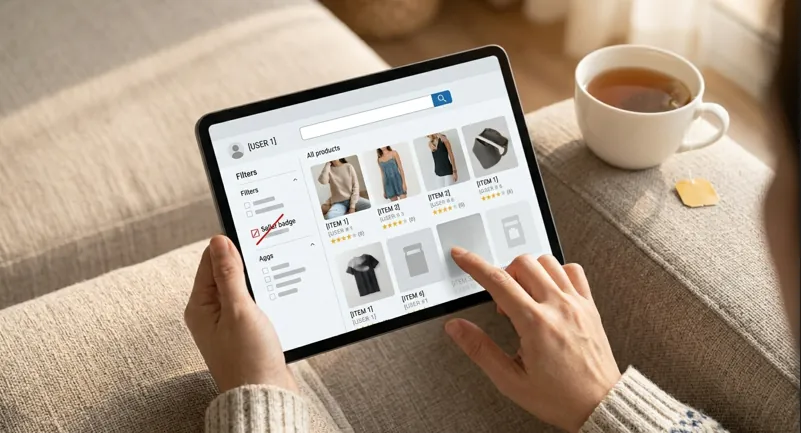
Limit: this only works for that search. The seller's items can still appear in other places, such as ads on other listings. You need the seller's exact username, so if you only know a store name, see how to search for a seller on eBay.
Workaround 2: Reduce notifications and offers
Open the Communication preferences area of your account and turn off offers and notifications you don't want. Menu names change, so look for the notification settings.
Workaround 3: Keep a list of sellers to avoid
Write down the usernames and check them before you buy. It's simple, but it works.
If a seller is harassing you
- Report the messages to eBay.
- Don't reply.
- Keep copies.
- Keep conversations on eBay messages, not email or text.
When Should You Block Someone?
For sellers, blocking makes sense for:
- Buyers who repeatedly don't pay.
- Abusive or threatening messages.
- Suspected fraud or return abuse.
- People trying to move deals off eBay.
It usually doesn't help to block a buyer just because they asked for a return. A valid return doesn't disappear when you block them, and it can make the situation worse.
For buyers, use the workarounds above and report real abuse.
Why Do eBay Sellers Punish Buyers Who Return Items?
Short answer: Returns cost sellers money and can affect their ratings, so some react badly. But eBay limits what sellers can do. They can't leave you a negative review, and some things that feel like punishment, such as refund deductions, are actually allowed in specific cases.
What "punishment" usually looks like
- A partial refund after the item comes back.
- Blocking you from buying from them again.
- Pressure messages, such as asking you to cancel the return.
- Slow refunds after the item arrives.
- Asking you to change feedback you've left.
Why some sellers react this way
- Cost. They may pay return shipping and lose the sale.
- Condition. Items sometimes come back used, damaged or incomplete.
- Abuse. Some buyers misuse returns, so sellers become suspicious. eBay's own policies say buyers must not misuse returns, feedback or buyer protection.
- Ratings. Sellers feel returns can hurt their performance standards, which many say in community forums. Here's how eBay account health and seller standards actually work.
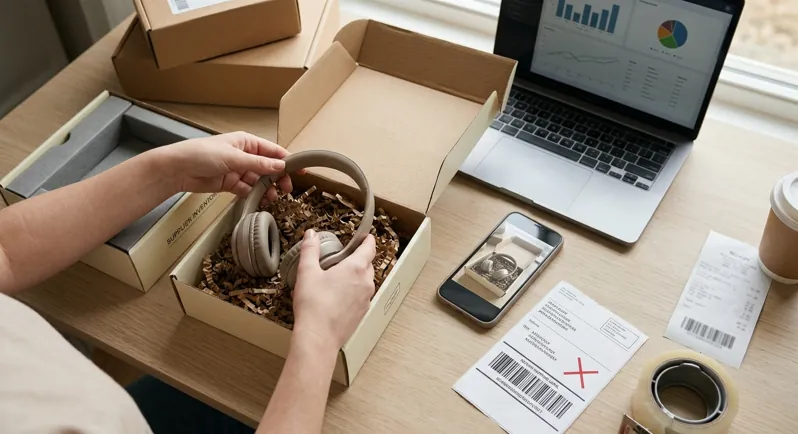
Most sellers handle returns professionally. The ones who don't are the exception.
What eBay's rules allow
| Situation | What the rules say |
|---|---|
| Item comes back used, damaged or missing parts | The seller might deduct an amount from your refund |
| Item damaged in return shipping because it wasn't packed well | The seller might deduct an amount |
| eBay steps in to help with the return | The seller can't deduct from your refund |
| Seller leaves feedback about you | Only positive feedback is allowed |
| Seller thinks you're abusing returns | They can report you, and eBay may take action |
| Seller blocks you | You can't buy from them again, but your rights on existing orders remain |
Return rights also depend on the reason and the listing's return policy, so check eBay's current policy pages for the details.
What to do if you think you're being punished
- Start the return through eBay, not by email or text.
- Return the item in its original condition, with all parts and good packaging.
- Take photos before you ship it back.
- Use tracked shipping and keep the receipt.
- Keep all messages on eBay.
- Don't accept off-eBay deals or pressure to cancel.
- Ask eBay to step in if the refund is late or the deduction seems unfair.
- Report threats or harassment.
If you're a seller
Reduce returns with accurate photos, a clear description and a clear return policy. If a buyer abuses the system, report it rather than retaliating. It protects your account. If you dropship, remember that you're still the seller of record for returns, so follow eBay's dropshipping rules and pick suppliers who pack items well.
Frequently Asked Questions
Can buyers block sellers on eBay?
No. You can exclude a seller from searches, adjust notifications and report abuse.
Can sellers block buyers on eBay?
Yes. Add the username to the blocked buyer list or set buyer requirements.
How do I block a user on eBay?
Sellers use the blocked buyer list. Buyers have no block button, so use search exclusions and reporting.
Does a block stop messages?
Not by itself. Turn on the contact-block setting in Buyer requirements, and report abuse if messages continue.
Does eBay tell someone when you block them?
Guides say eBay doesn't send a notification. The buyer finds out when they try to bid or buy.
Can a blocked buyer use another account?
They can, but it's against eBay's rules. Keep evidence and report it.
Can sellers leave negative feedback for buyers?
No. Sellers can only leave positive feedback.
Can a seller deduct money from my refund?
Sometimes. If the returned item is used, damaged or missing parts, the seller might deduct an amount. If eBay steps in, they can't.
Why do sellers get upset when buyers return items?
Returns cost money, can hurt their ratings and sometimes involve abuse, so some react badly.
How do I unblock a buyer?
Open the blocked buyer page, delete the username and submit.
Final Thoughts
Sellers have a real block tool. Buyers have workarounds. If you're a buyer, protect yourself by returning items in good condition, keeping messages on eBay and asking eBay to step in when a seller won't cooperate. If you're a seller, block for real problems, and report abuse rather than retaliating.
Dealing with difficult buyers, returns and metrics is a big part of running a store. If you'd rather not handle it yourself, see how a managed eBay store partnership works.
More step-by-step guides are in our Seller Guides section.
Sources
- eBay: Blocking a buyer (checked October 27, 2026)
- eBay: Leaving feedback for buyers
- eBay: Condition of returned items policy
Want a managed eBay store instead of another side project?
ScaleBay Commerce runs the store operations — product research, listings, suppliers, customer service, and account health — while you fund the sourcing budget.
Not guaranteed income. Results vary by store, capital, account health, and platform conditions.