How Do You Search for a Seller on eBay? 7 Easy Ways (2026)
Learn how to search for a seller on eBay by username, store name, or past order — plus the URL trick, app method, and why your search shows nothing.

Quick answer: To search for a seller on eBay, type `ebay.com/usr/USERNAME` into your browser (swap in their exact username), or open any of their listings and click the seller's name. On desktop you can also use Advanced Search → By seller. In the eBay app, search `seller:username` in the main search bar. If you bought from them before, the fastest route is your Purchase history.
Finding a specific seller on eBay is easy once you know where to look — but eBay is built to help you find products, not people, so the option isn't always obvious. Below are seven methods that work in 2026, on both desktop and mobile.
---
First, Know What You're Actually Searching For
Most failed seller searches come down to one mistake: searching the wrong name. eBay sellers have three different names, and only one of them works for search.
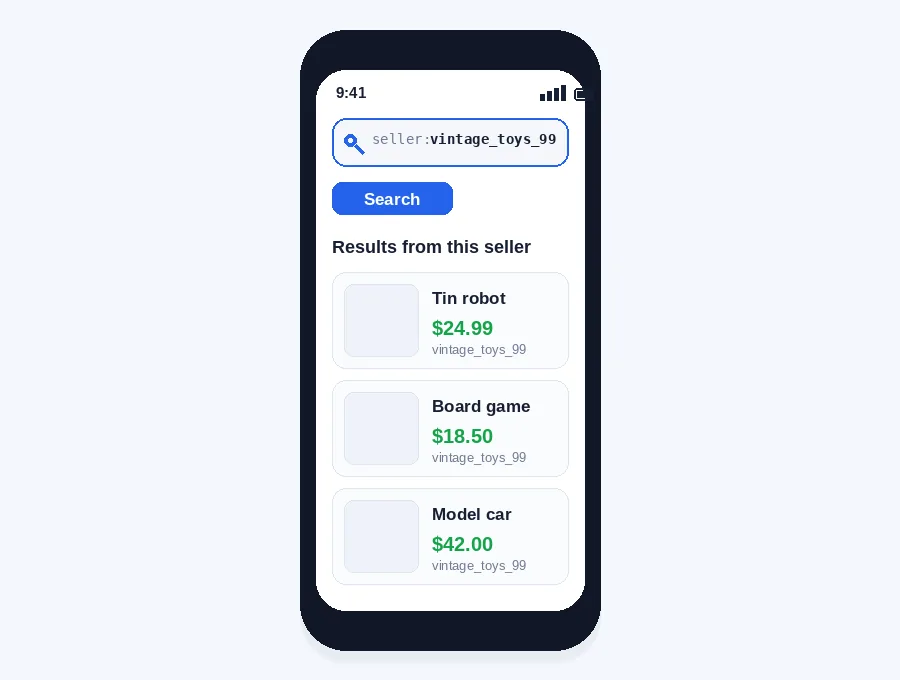
- Username (seller ID): The unique handle, like `vintage_toys_99`. This is the only name that reliably works for lookups.
- Store name: The branded shop name, like "Vintage Toys Emporium." Often different from the username.
- Display name: What shows on feedback and messages. Also often different.
Rule of thumb: always search by the exact username. If you only know the store name, use Method 6 below.
---
Method 1: The URL Trick (Fastest If You Know the Username)
This is the quickest way to reach any seller's profile.
1. Open your browser.
2. Type `ebay.com/usr/` followed by the seller's exact username.
3. Press Enter.
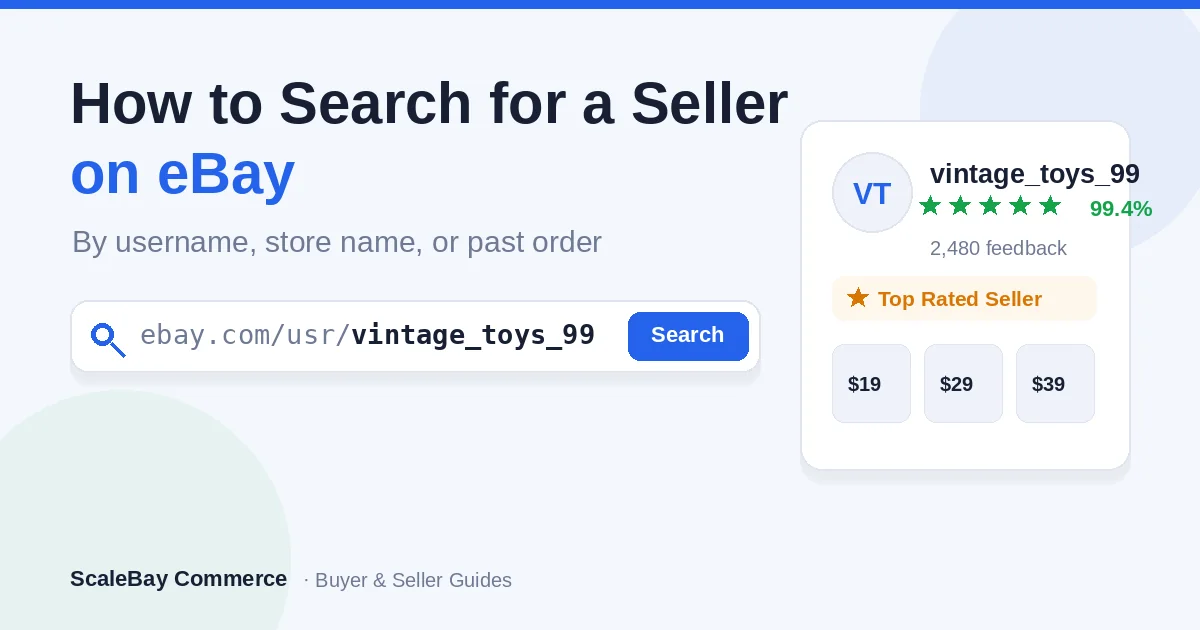
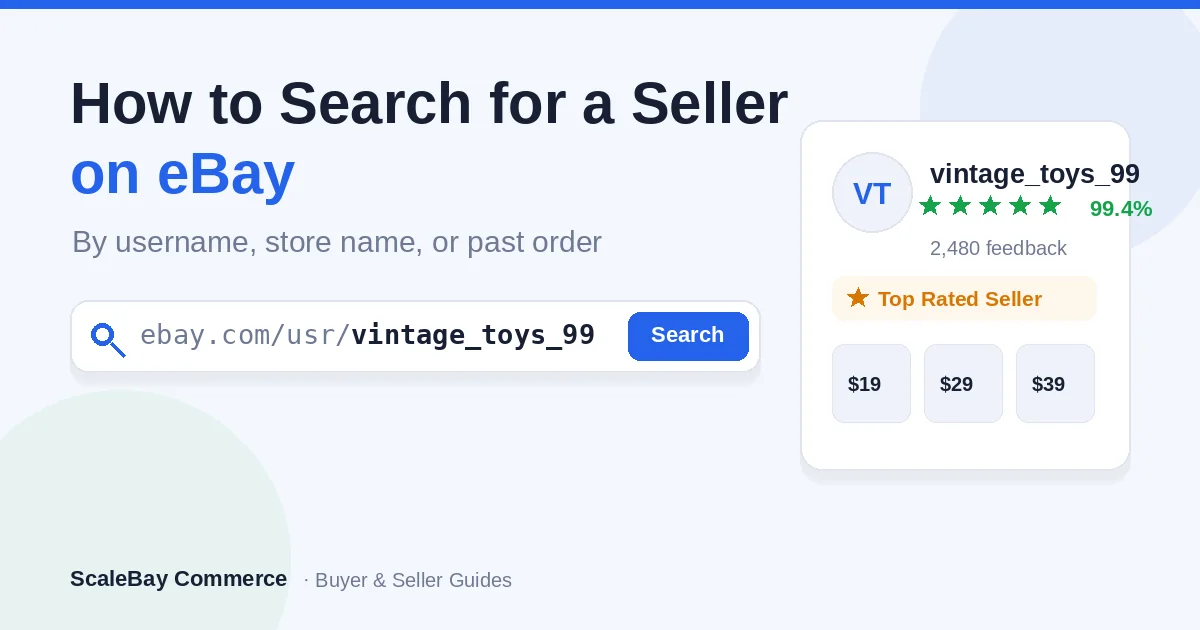
Example: `ebay.com/usr/vintage_toys_99`
This loads the seller's profile and all their active listings. It works on desktop and mobile browsers, and it even works when the seller currently has no items listed.
---
Method 2: Click the Seller's Name on a Listing
If you can find even one of the seller's items, you don't need to search at all.
1. Open any listing from that seller.
2. Find the Seller information box (right side on desktop, below the item on mobile).
3. Click the seller's username.
You land on their full profile — the same page as Method 1. This is the easiest route when you remember the product but not the name.
---
Method 3: Advanced Search → By Seller (Desktop)
eBay's Advanced Search is the most powerful built-in tool for finding a seller.
1. Go to the eBay homepage.
2. Click the small Advanced link next to the search button.
3. In the left sidebar, choose By seller (under "Find items").
4. Enter the seller's username and click Search.
This returns every active listing from that account. You can combine it with keywords to see only certain items from that seller.
---
Method 4: Search a Seller in the eBay App
Advanced Search isn't available in the app, but this operator usually works.
1. Open the eBay app.
2. Tap the search bar.
3. Type `seller:` immediately followed by the exact username — no space. Example: `seller:vintage_toys_99`
4. Tap Search.
If that returns nothing, the username is probably slightly off. Switch to your phone's browser and use the URL trick from Method 1 instead.
---
Method 5: Find a Seller You've Bought From Before
If you've purchased from the seller, this is the single fastest method.
1. Go to My eBay → Purchase history.
2. Find the order.
3. Click the seller's name next to the item.
You'll go straight to their profile — no searching required. Tip: a seller can still be reached this way even after they stop listing items.
---
Method 6: Find a Seller by Store Name
When you only know the shop name, not the username:
1. Scroll to the bottom of the eBay homepage.
2. Click Stores (or go to `ebay.com/stores`).
3. Enter the store name in the store search box.
eBay Stores search matches branded shop names, so this works when a plain username search comes up empty.
---
Method 7: Find a Seller Through Google (Last Resort)
If nothing on eBay works, let Google search eBay for you.
1. Go to Google.
2. Type: `site:ebay.com "Seller Name"`
The `site:` operator forces Google to look only inside eBay, and the quotation marks lock the exact name. This is handy when the seller's name is a common word that returns a flood of product results on eBay itself.
---
Which Method Should You Use?
| Your situation | Best method |
|---|---|
| You know the exact username | Method 1 (URL trick) |
| You remember a product, not the name | Method 2 (click the listing) |
| You want to filter their items | Method 3 (Advanced Search) |
| You're on the app | Method 4 (`seller:` operator) |
| You bought from them before | Method 5 (Purchase history) |
| You only know the store name | Method 6 (Stores search) |
| Nothing else works | Method 7 (Google `site:` search) |
---
Why Your Seller Search Returns Nothing
If a search comes up empty, it's almost never because the account is gone. Check these first:
- Wrong name. You searched the store name or display name, not the username.
- A typo or missing character. Underscores, numbers, and spelling must match exactly — eBay returns zero results for a near miss instead of suggestions.
- No active listings. Keyword and Advanced Search only surface sellers with live items. Use the URL trick (Method 1), which works regardless.
- App limitations. The app hides Advanced Search. Switch to a browser for the full toolset.
The fix for all four: copy the exact username from one of their listings, then use the URL trick.
---
How to Check Out a Seller Once You Find Them
Finding the seller is step one. Before you buy, vet them:
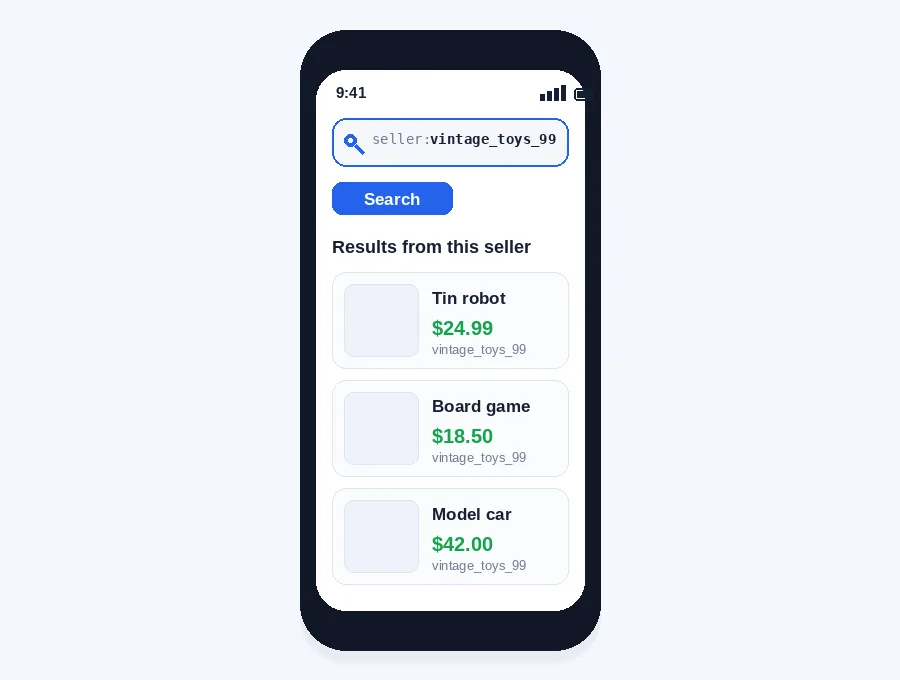
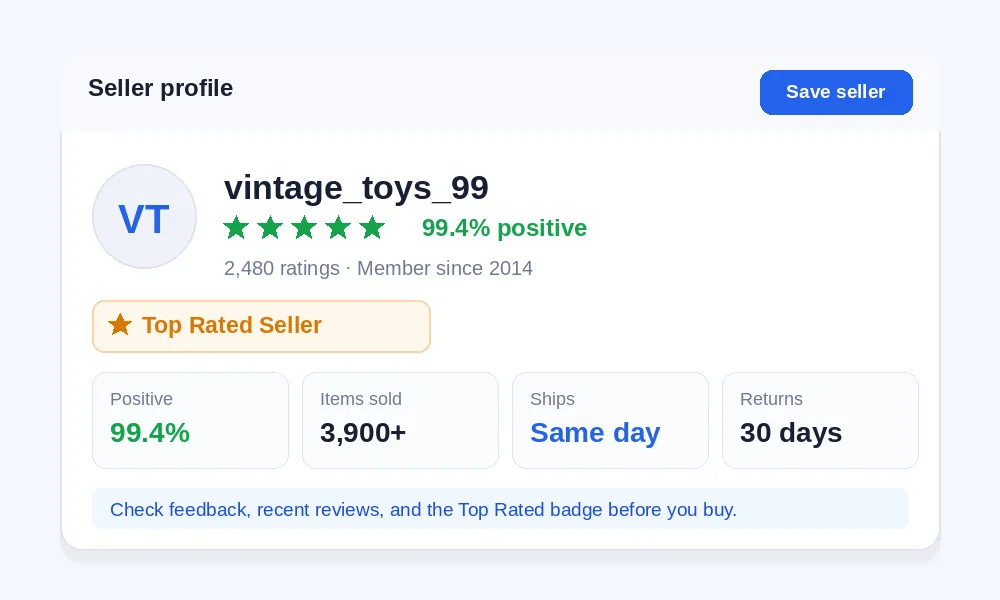
- Feedback score and percentage — look for high positive feedback over many transactions, not just a 100% score on five sales.
- Recent reviews — scan the last few months for shipping or communication complaints.
- Top Rated Seller badge — eBay's mark for consistently strong account health and performance.
- Return policy and item location — set shipping and return expectations before you commit.
---
Can Someone Find Out Who You Are on eBay?
Other users can see your username, your public feedback, and the general location on your listings. They cannot see your real name, email, home address, or payment details — eBay keeps that private. Your real name and address are only shared with a trading partner when a transaction requires it (for example, to ship an order). You can't look up a buyer or seller's real-world identity through eBay search.
---
Frequently Asked Questions
How do I find someone on eBay?
Use the URL `ebay.com/usr/USERNAME` with their exact username, or click their name on any of their listings. Both open the member's public profile.
How can I search for a seller by name on eBay?
Search by their username, not their store or display name. Use Advanced Search → By seller on desktop, or type `seller:username` in the app.
How do I look up a seller account on eBay?
Type `ebay.com/usr/` plus the username into your browser. This opens their account profile even if they have no active listings.
How do I look up a seller?
Fastest routes: the `ebay.com/usr/USERNAME` URL, clicking their name on a listing, or finding them in your Purchase history if you've bought from them before.
Can I search eBay for a specific seller?
Yes. Use Advanced Search → By seller on desktop, or the `seller:username` operator in the app, as long as you have the exact username.
Can I search for a username on eBay?
Yes — the username (seller ID) is the one name that works reliably. Enter it in Advanced Search or in the `ebay.com/usr/` URL.
Can you search for a specific shop on eBay?
Yes. Use the eBay Stores directory at `ebay.com/stores` and enter the store name, which can differ from the seller's username.
How do I check out a seller on eBay?
Open their profile and review their feedback score, feedback percentage, recent reviews, and any Top Rated Seller badge before buying.
How do I find a seller's user ID on eBay?
Open any of their listings and look in the Seller information box — the user ID (username) is listed there as a clickable link.
Can you search for a buyer on eBay?
As a seller, you can see buyers you've transacted with in your order history. There's no public buyer directory, and you can't search for buyers you've never dealt with.
---
Final Tips
- Always copy the username straight from a listing to avoid typos.
- Save sellers you like so you never have to search twice.
- On mobile, keep a browser handy — the `ebay.com/usr/` trick works when the app search fails.
*Looking to grow or research your own eBay store? See our guides on [how much you can really make dropshipping on eBay](/blog/how-much-can-you-make-droHow Do You Search for a Seller on eBay? 7 Easy Ways
pshipping-on-ebay) and running eBay dropshipping without holding inventory.*
Learn how to search for a seller on eBay by username, store name, or past order — plus the URL trick, app method, and why your search shows nothing.
Want a managed eBay store instead of another side project?
ScaleBay Commerce runs the store operations — product research, listings, suppliers, customer service, and account health — while you fund the sourcing budget.
Not guaranteed income. Results vary by store, capital, account health, and platform conditions.